
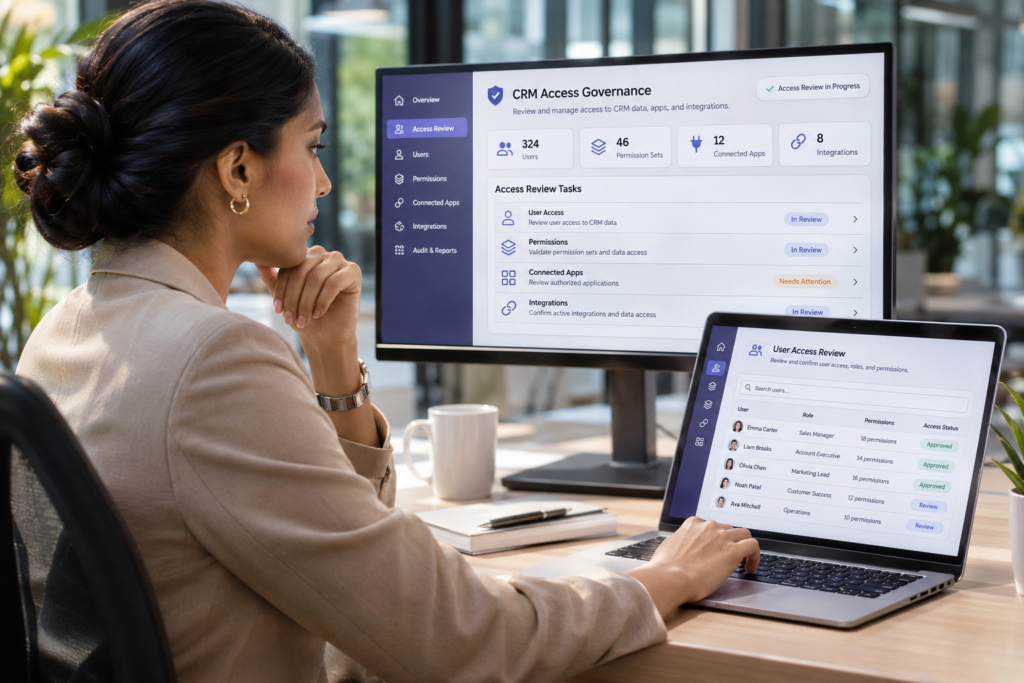
Most Salesforce access reviews begin with employees. Who joined? Who left? Who has administrator rights?
Those questions matter, but they do not cover the whole environment. Salesforce may also be accessible through connected applications, API integrations, service accounts, former project contractors and automation tools. Each connection may have been approved for a good reason. The harder question is whether that access is still necessary, appropriately limited and owned by someone today.
This practical checklist is for Salesforce owners, RevOps leaders and technology teams who want a clearer picture of their exposure without disrupting the systems the business relies on.
A real incident shows why third-party access deserves attention
In August 2025, attackers used compromised OAuth tokens associated with the Salesloft Drift integration to access data from customer Salesforce environments. Google’s Threat Intelligence Group documented the activity, including the attackers’ attempts to find sensitive credentials in exported data. The incident did not originate from a vulnerability in Salesforce’s core platform.
The lesson is not that every integration is dangerous. It is that access to a trusted business system can extend beyond the people logging in to it directly. When third-party access is compromised, the consequences can reach customer records and business operations.
Sources: Google Threat Intelligence Group, 26 August 2025 and Salesforce’s incident response guidance.
The five-step Salesforce access review
1. See which applications have active connections
Start in Salesforce Setup. Search for Connected Apps OAuth Usage and review the connections shown there. Depending on your permissions and Salesforce configuration, you can examine apps and their usage, see users associated with a connection and identify potential candidates for further review.
Do not assume an app is safe because someone installed it, or unsafe because you do not recognise the name. Record what it does, who requested it and whether it is still in use. Also account for integrations using other authentication mechanisms that may not be fully represented in this screen.
Salesforce explains these controls in Manage Current OAuth Connected App Sessions.
2. Give every connection a business owner
For each material application or integration, establish who is accountable for it. A technical administrator may be able to explain how the connection works without knowing whether the sales, marketing, finance or support team still needs it.
For a useful inventory, capture:
- Application or integration and its business purpose
- Business owner and technical owner
- Data involved, including sensitive customer or commercial records
- Identity and authentication method used to connect
- Evidence of current use and the date of the last review
- Decision: retain, reduce access, investigate, or retire through change control
A missing owner is a governance problem even before you find a technical vulnerability.
3. Check what the integration can actually do
An OAuth permission or application name does not tell the full story. Assess the Salesforce user identity behind the connection, its assigned permission sets, the objects and fields it can access, and whether it can create, modify, export or delete records.
Consider a reporting integration that only needs a specific subset of read-only data. If the underlying account has broad administrative access, the technical permissions may be larger than the business requirement. The principle is simple: grant the access needed for the job, not whatever is easiest to configure.
Also review relevant OAuth policies, permitted users and refresh-token behaviour. Salesforce documents these settings in Manage OAuth Access Policies for a Connected App.
4. Reconcile access against people, vendors and completed projects
Look beyond the active employee list. Compare access against former contractors, implementation partners, retired tools and projects that have ended.
A contractor’s named Salesforce account may have been disabled while an integration or dedicated service account created for the project continues to operate. Conversely, an integration might be business-critical even when its original sponsor has left. Both cases need investigation rather than assumptions.
Prioritise connections with unclear ownership, powerful privileges, sensitive data access or no convincing business justification. Validate dependencies before changing credentials, tokens or permissions.
5. Make a controlled decision and set the next review date
The goal is not to revoke every unfamiliar connection. A rushed clean-up can interrupt customer communications, financial processes, reporting or operational automations.
For each finding, decide whether to:
- Retain the access and document why it is needed
- Reduce permissions or change the integration identity
- Investigate an ownerless or poorly understood connection
- Retire obsolete access through an approved, tested change
- Monitor relevant usage and re-review on an agreed schedule
Capture an owner and target date for every action. An audit without decisions and follow-through simply creates another document that nobody uses.
Three questions leaders should be able to answer
- Which third-party systems can read or change our Salesforce data?
- Who can explain and approve the access each one has?
- What would break if we removed that access, and what could be exposed if it were compromised?
These are commercial questions as much as security questions. A finance or revenue leader does not need to administer OAuth settings, but should be able to identify which systems depend on Salesforce data and who owns the associated risk.
What a good outcome looks like
You do not need a perfect environment to make meaningful progress. Start with a usable inventory, identify the highest-risk exceptions, clarify ownership and agree on a review rhythm. That produces something more valuable than a long list of theoretical issues: an actionable picture of who and what still has access.
For the wider context on integration identities, OAuth scope and AI-enabled workflows, read our related article: Who or What Has Access to Your Salesforce? The Hidden Risk in Integrations.
Need an outside view of your Salesforce environment?
Ravienta works with businesses to diagnose Salesforce operational and governance problems, establish priorities and plan practical improvements. Our approach starts with understanding the environment and its business dependencies before recommending change.
Discuss a Salesforce Problem Diagnostic
This checklist is general guidance, not a substitute for a formal security assessment. Access changes should be assessed, tested and authorised for your specific environment.